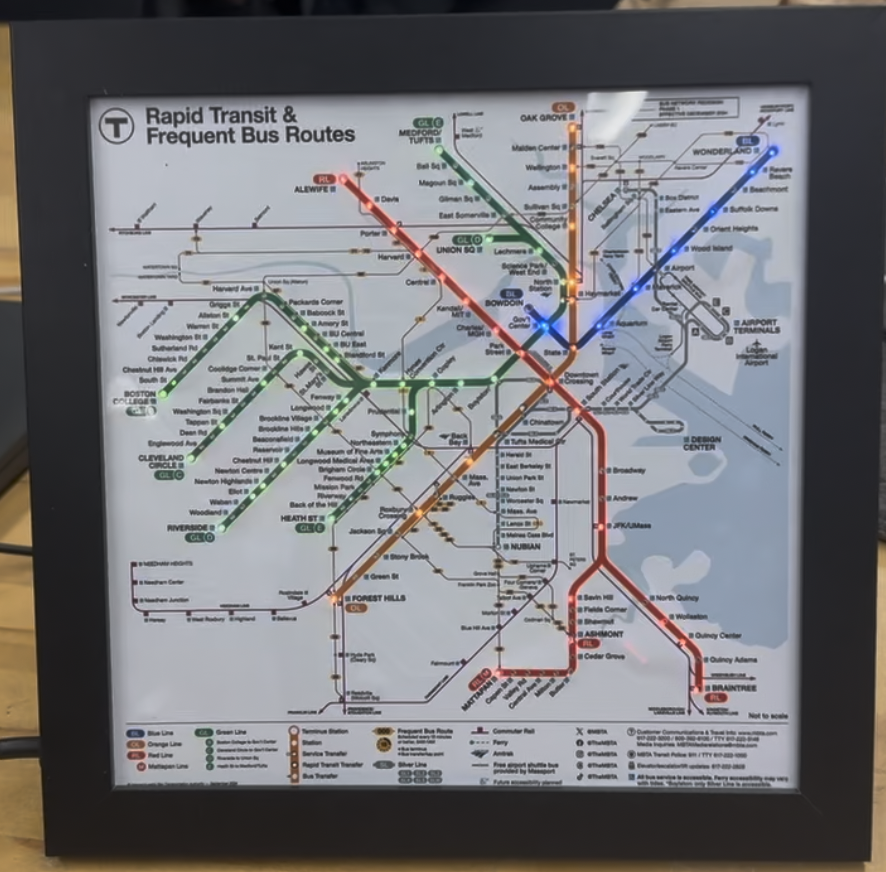
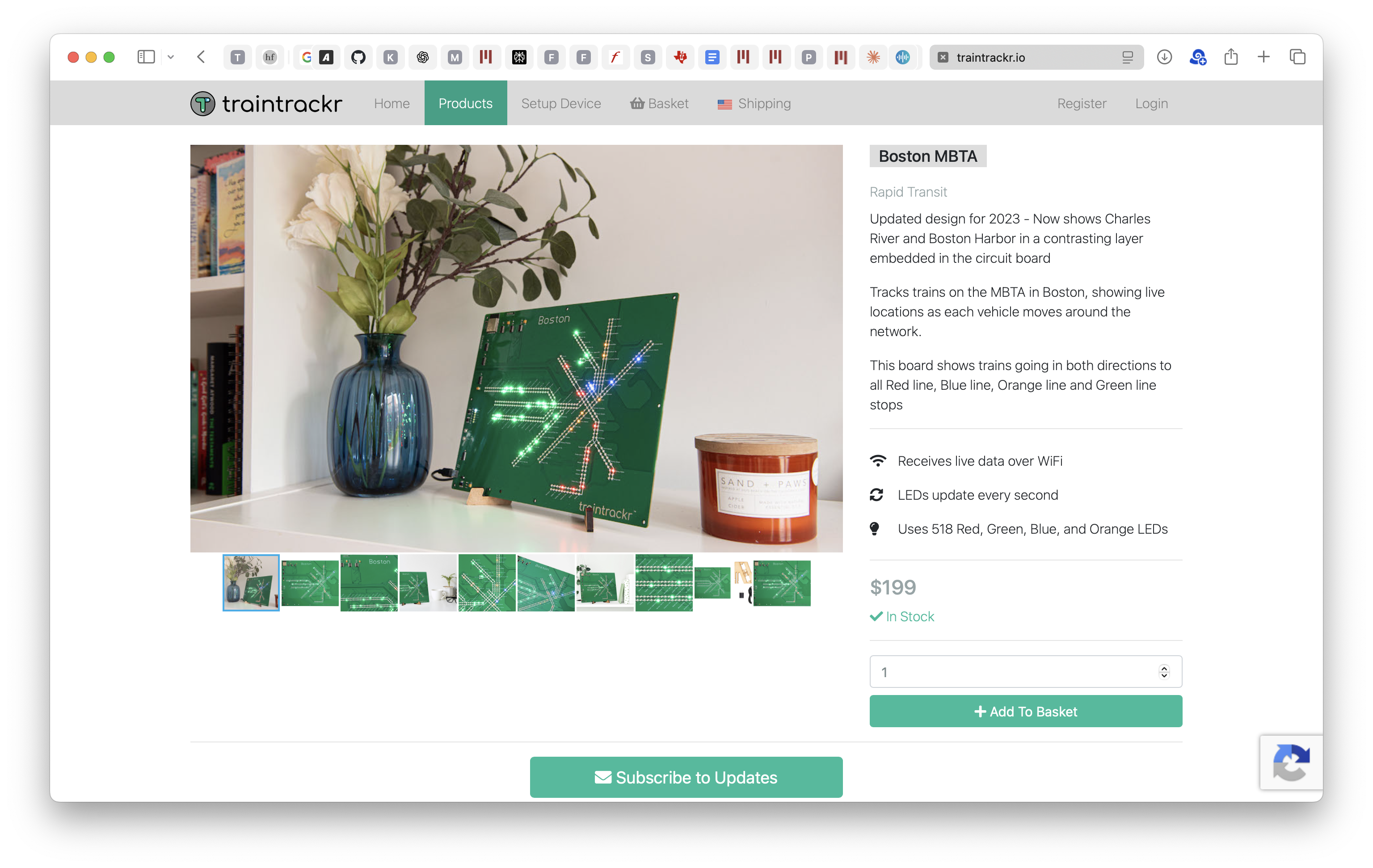
Something I regularly get upset at is when people sell really cheap hobbyist-grade things at a ridiculously high price. A good example of this is these realtime train tracking maps, which I randomly started getting ads for on youtube. Sure, it’s a good idea and it looks pretty nice, but for $199?? The product is just an esp32 and some leds slapped together…
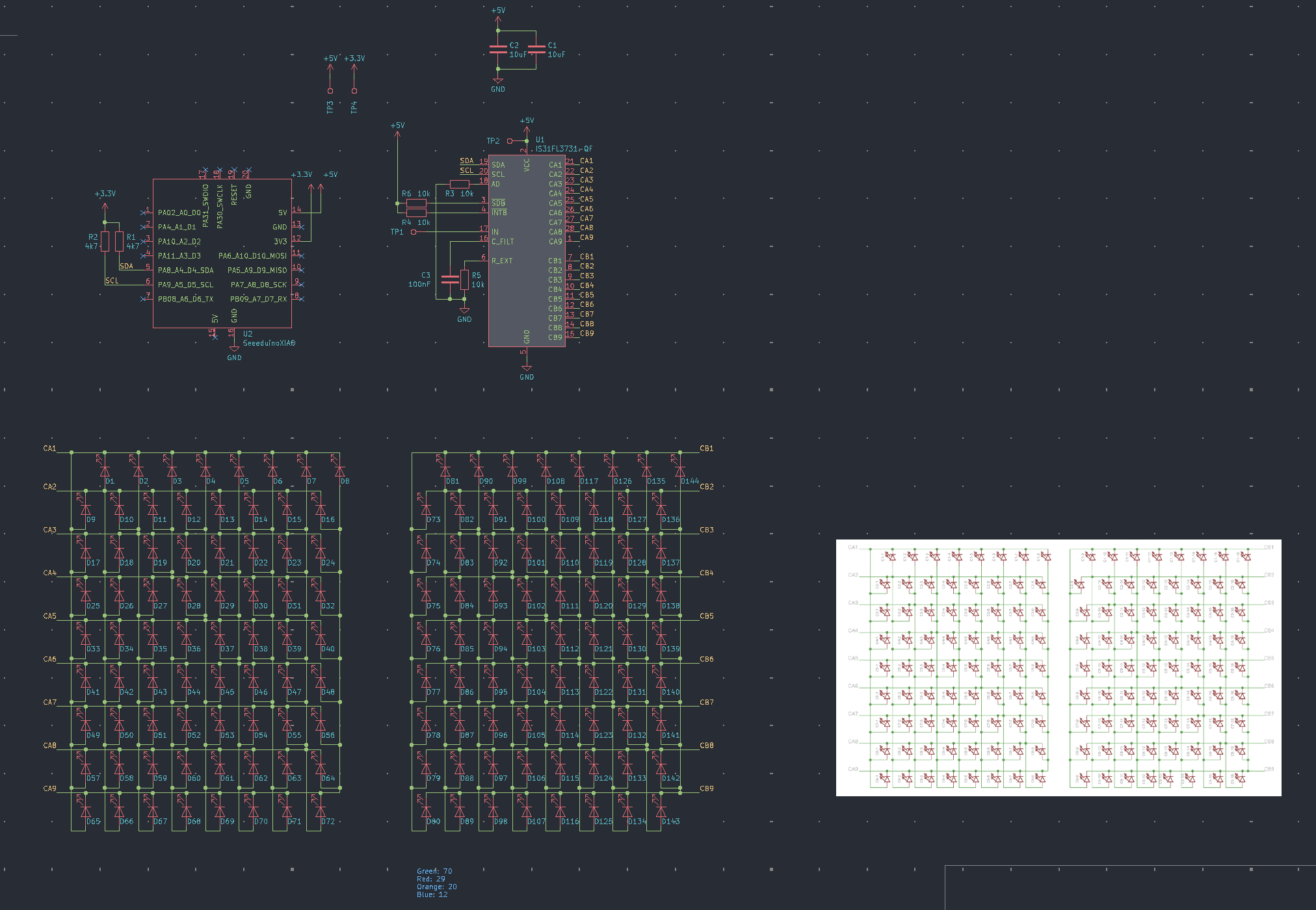
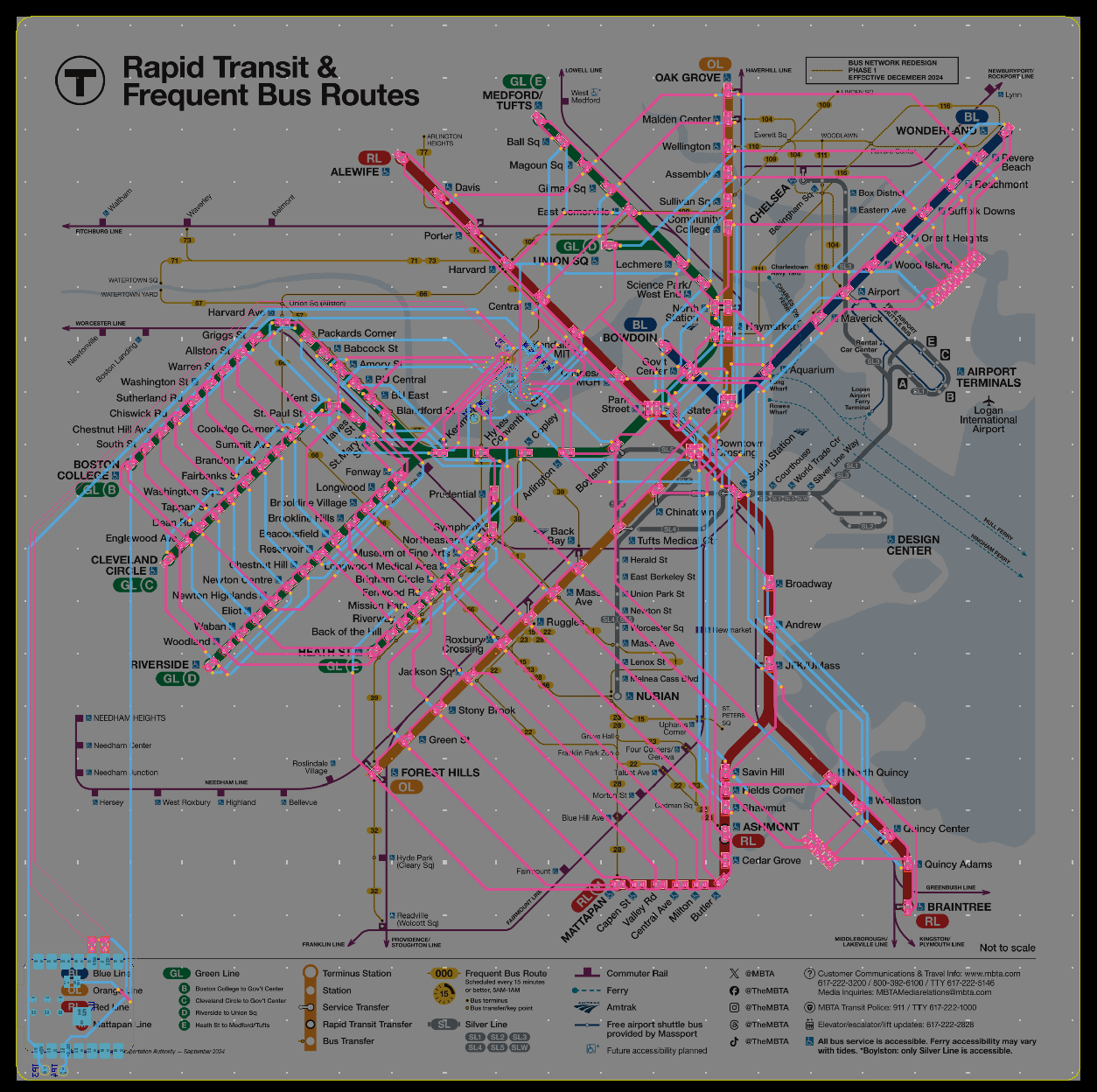
I decided to make one myself over IAP. The schematic is super simple - I’m using the IS31FL3731 charlieplex led matrix controller with an esp32c3 seeeduino xiao to control it over i2c. For the layout I imported a picture of the official map and just put leds at each stop; the colors match the line.
 |
 |
The MBTA releases a really nice public api that is free to use as long as you don’t fetch too often. While the boards were being made I wrote a little test script to make sure the polling actually worked:
import requests
import time
from datetime import datetime

def get_vehicles_at_stops():
    """Fetch vehicles that are currently at stops"""

    # Get vehicles that are stopped
    url = "https://api-v3.mbta.com/vehicles"
    params = {
        'filter[route_type]': '0,1',  # 0=Light Rail, 1=Heavy Rail
        # 'filter[current_status]': 'STOPPED_AT',  # Only get vehicles at stops
        'include': 'stop,route'  # Include stop and route information
    }

    try:
        response = requests.get(url, params=params)
        response.raise_for_status()
        data = response.json()

        # Create lookups for included data
        stops = {
            stop['id']: stop['attributes']['name']
            for stop in data.get('included', [])
            if stop['type'] == 'stop'
        }

        routes = {
            route['id']: route['attributes']['long_name']
            for route in data.get('included', [])
            if route['type'] == 'route'
        }

        # Process each vehicle
        for vehicle in data['data']:
            # print(vehicle)

            # IN_TRANSIT_TO
            if vehicle["attributes"]["current_status"] != "STOPPED_AT":
              continue

            route_id = vehicle['relationships']['route']['data']['id']
            stop_id = vehicle['relationships']['stop']['data']['id']

            route_name = routes.get(route_id, route_id)
            stop_name = stops.get(stop_id, stop_id)
            direction = "Outbound" if vehicle['attributes']['direction_id'] == 0 else "Inbound"

            print(f"Train {vehicle['id']}: {route_name}")
            print(f"  At: {stop_name}")
            print(f"  Direction: {direction}")
            stopped = vehicle["attributes"]["current_status"]
            print(f"  Stopped? {stopped}")
            occupancy = vehicle["attributes"]["speed"]
            print(f"  Speed:{occupancy}")
            print()

    except requests.exceptions.RequestException as e:
        print(f"Error fetching data: {e}")

def main():
    print("Starting MBTA Train Stop Monitor...")
    print("Showing only trains currently stopped at stations.")
    print("-" * 50)

    while True:
        print(f"\nUpdating at {datetime.now().strftime('%H:%M:%S')}...")
        print("-" * 50)
        get_vehicles_at_stops()
        time.sleep(30)  # Update every 30 seconds

if __name__ == "__main__":
    main()
Being able to test the api fields off the esp32 is nice since the esp32 is a bit slow to connect to wifi. The code on the final thing blinks trains that are moving (en route to the next stop) with a period of 2 seconds, and leaves stopped trains on. The esp32 polls every 5-10 seconds or so to update info.
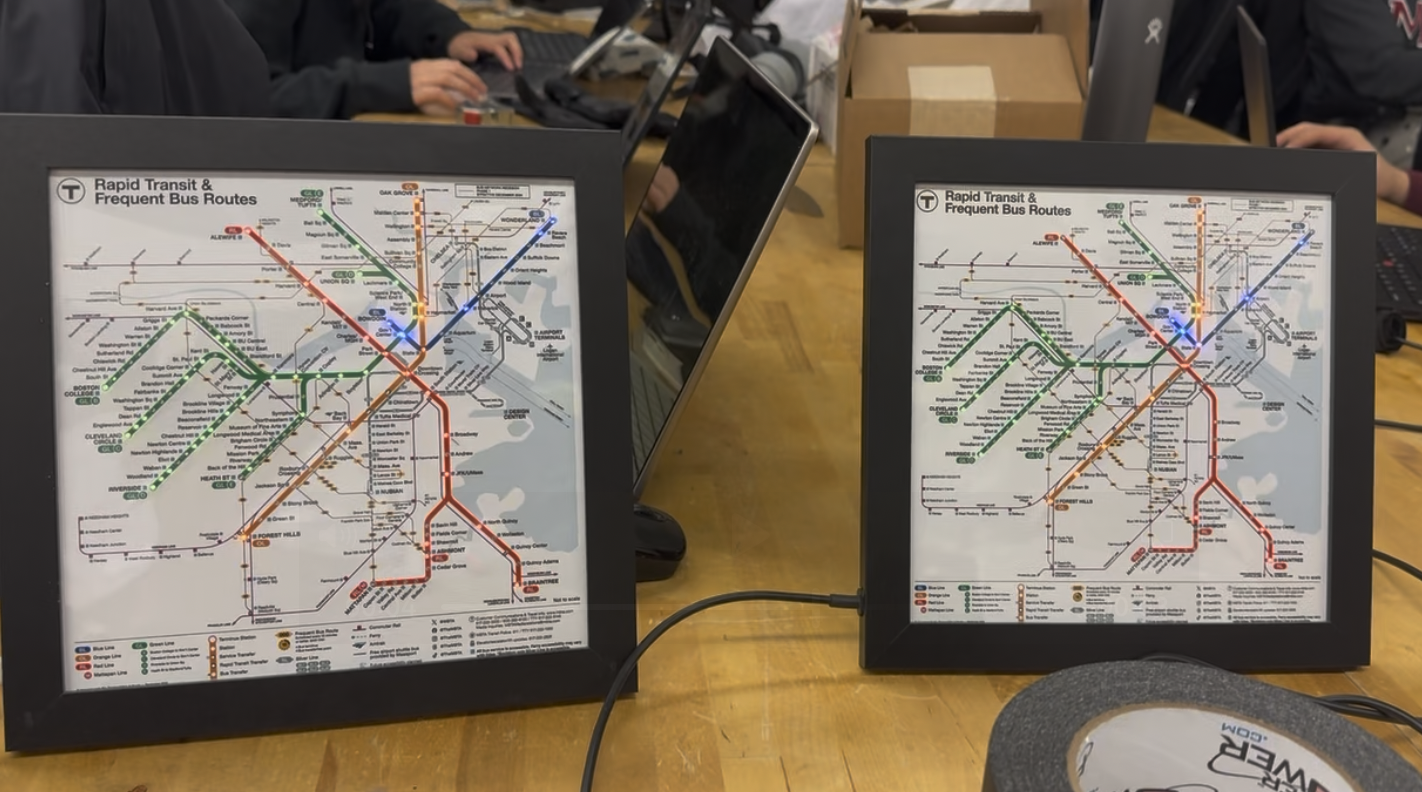
I used a vinyl printer / cutter to get the actual map on the board, and there’s a hole cut out where each led goes. Lining it up to stick on is pretty tricky, but the end product looks great with the frame!
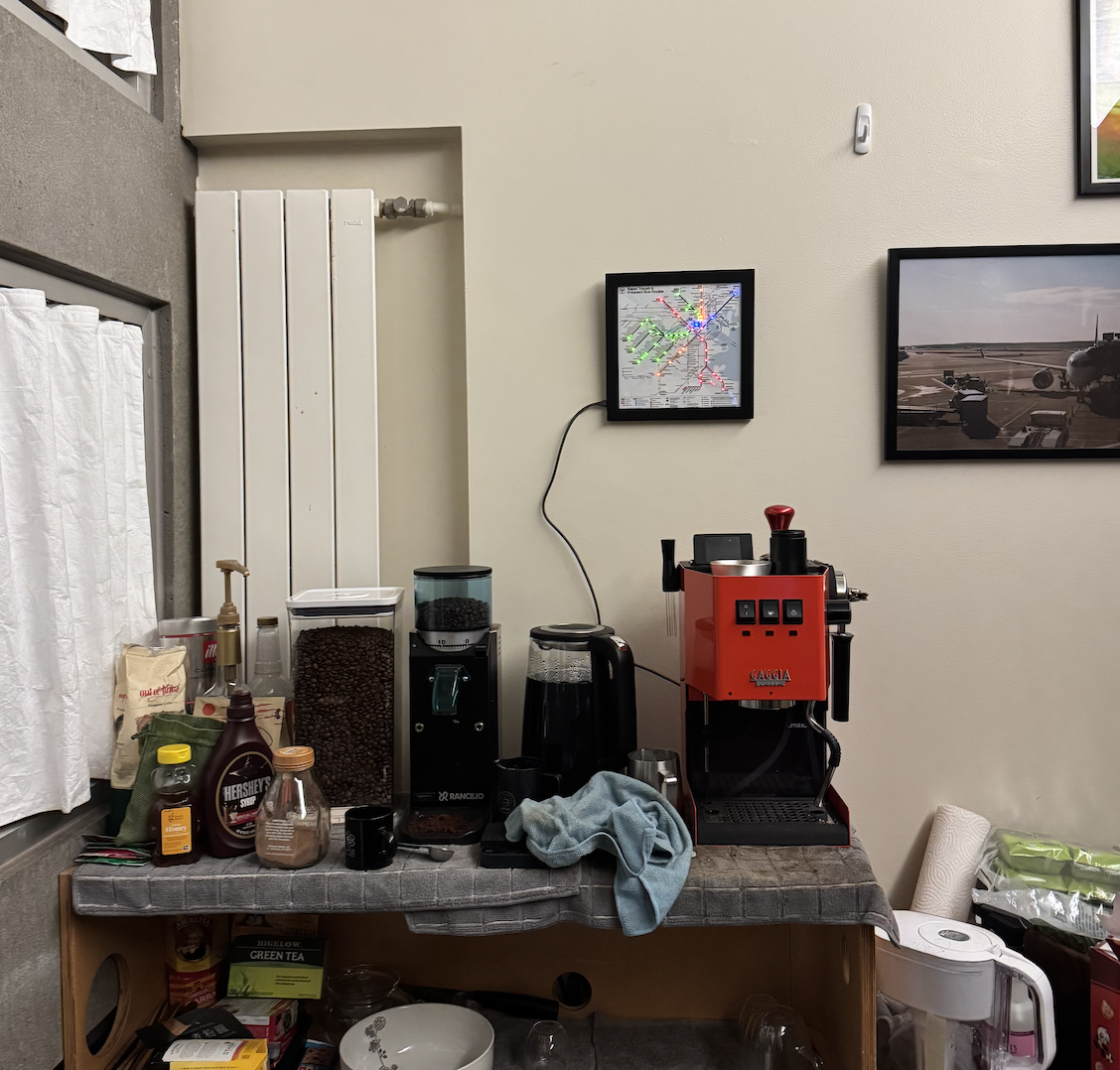
Above the coffee setup:
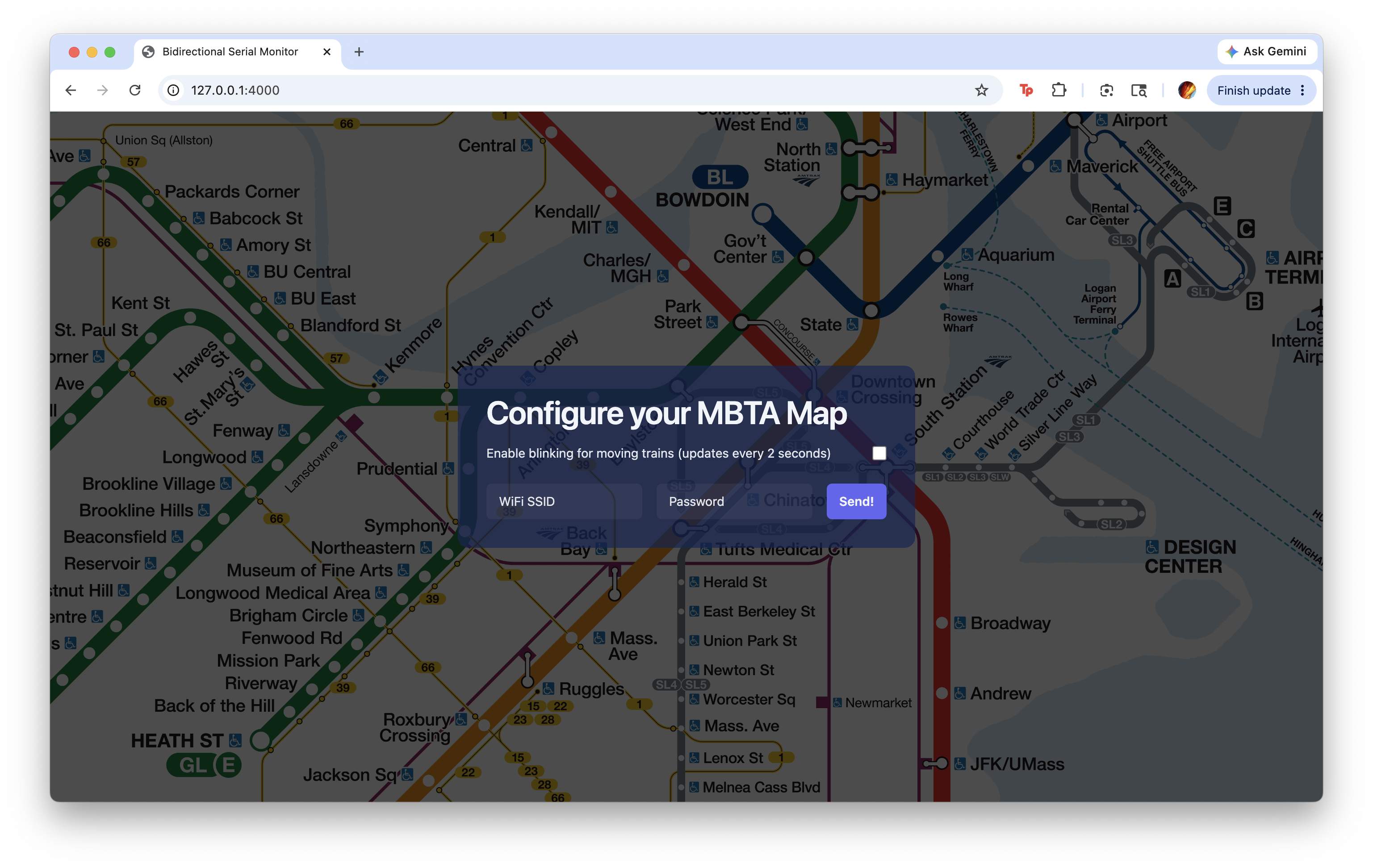
I also made a little website that allows you to configure your wifi information (useful for people I give this to). It uses the chrome serial api, so all you need to do is plug the map into your computer:
The best part about this project was that the entire thing (boards with assembly, the vinyl, and the frames) cost under $75, and that was for five of them so I could hand them out to friends. Excluding time waiting for the boards to come in, it also only took around three days - totally worth it!